At a glance
- Roles
- Owner and staff, with per-feature permissions and three presets: Front desk, Manager, Read-only.
- Invites
- Staff join by email link (valid 14 days). New staff start read-only until you say otherwise.
- Two-factor login
- Optional authenticator-app 2FA; once enabled, login requires the code. No SMS codes, on purpose.
- Guest info hub
- Arrival instructions, amenities, WiFi and gate codes — revealed on the guest's schedule, not luck.
Your crew, with exactly enough keys
Invite your spouse, the summer hire, or your accountant by email from Settings → Team. Everyone works the same calendar — no per-seat pricing, no shared passwords. Staff permissions are set per feature (calendar, reservations, long-term stays, store, reports, inventory, rentals) at three levels: none, view, or manage. Three presets cover most parks: Front desk runs the counter, Manager runs everything but settings, and Read-only — the default for every new invite — can look but not touch.
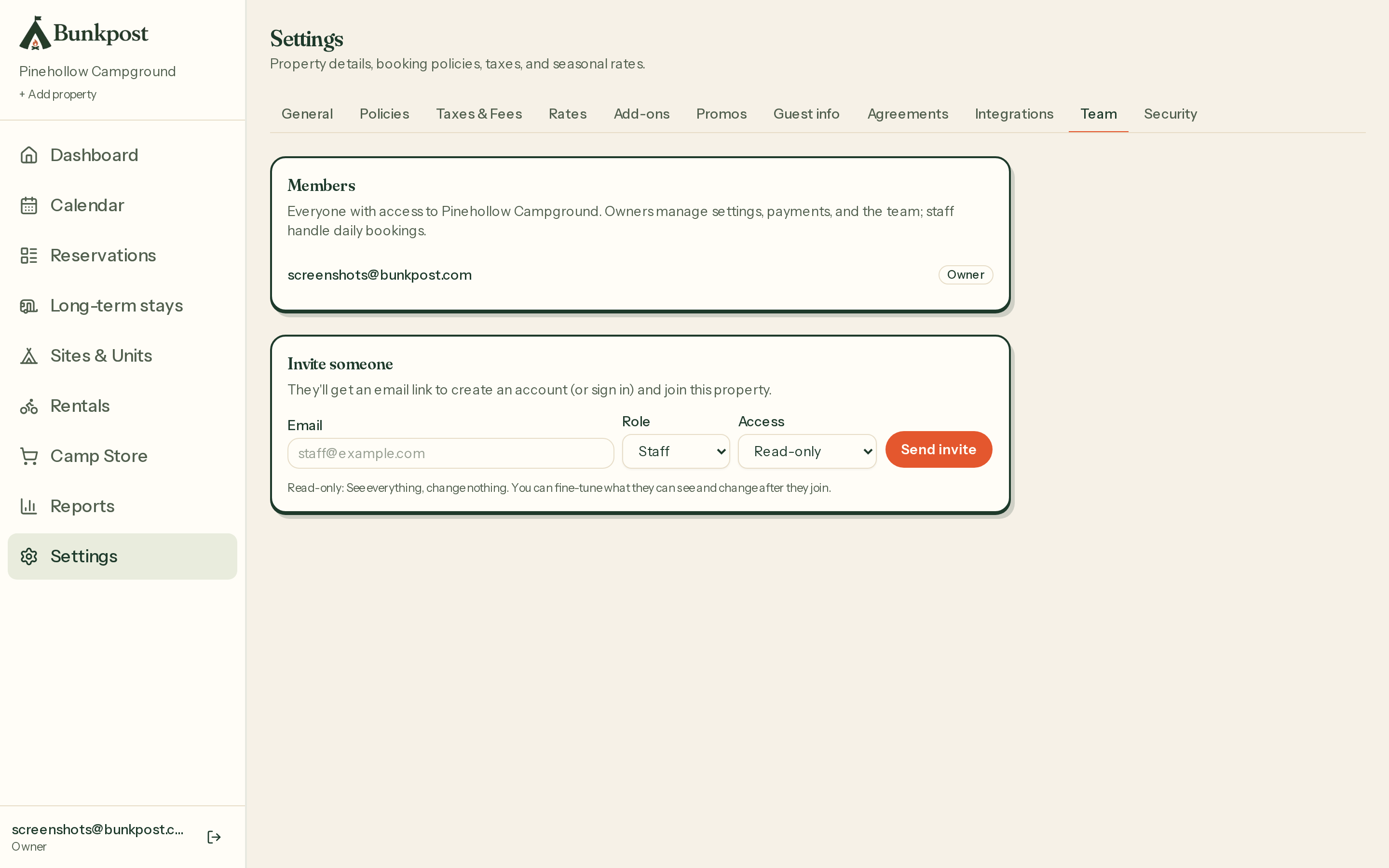
Team — members, their roles, and the email invite that expires in 14 days.
Settings themselves — rates, policies, payments, this very screen — stay owner-only, always. The teenager on the register can ring up firewood; the teenager cannot re-price July.
Locking the front door
Turn on two-factor authentication in Settings → Security: scan a QR code with any authenticator app, and from then on login requires your password plus the six-digit code. Bunkpost deliberately skips SMS codes — text messages are the weakest form of 2FA, and your booking revenue deserves better. Permissions are also enforced in the database itself, not just hidden in the interface, the same belt-and-suspenders thinking behind the can't-double-book calendar.
The guest info hub
Settings → Guest info is everything a camper needs to know, entered once and delivered on schedule: arrival instructions, know-before-you-go notes, your amenity list, quiet hours, and helpful links. It flows onto the stay page and into the pre-arrival reminder email automatically.
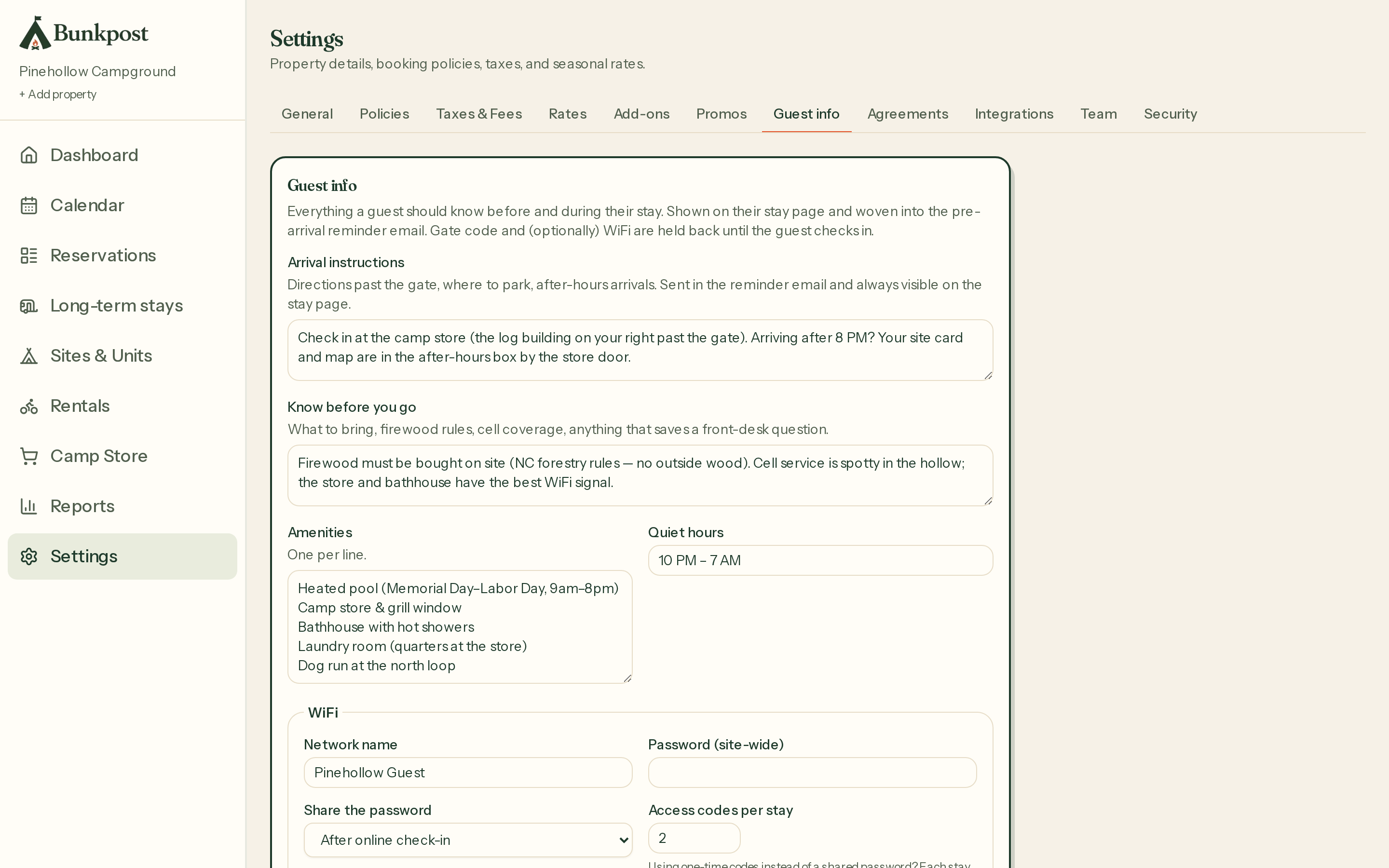
Guest info — write the answers once; the stay page and reminder email deliver them.
The clever part is timing:
- WiFi — share a site-wide password always or only after check-in, or hand out one-time codes (0–20 per stay) from a voucher pool you import from your WiFi system — UniFi, Guest Internet, Omada, any of them.
- Gate code — a static code is only ever revealed after check-in. (Per-reservation gate PINs come from the RemoteLock integration.)
Paying guests get the codes the moment they tap “I've arrived”; the codes stop circulating on Facebook two summers later.
More than one park
Owners with several properties switch between them under one login, and a portfolio dashboard rolls up occupancy and arrivals across all of them. Each park keeps its own booking page, rates, and team.